



By Andy Pedley, Director. Updated 21 August 2026.
To move a demo or test lab to a new office, plan it months ahead, de-rack and pack everything the day before, and move on the day the new building's access allows. In October 2016 we moved a networking vendor's demo lab from Surrey into the City of London that way, over a weekend.
Not for the faint hearted
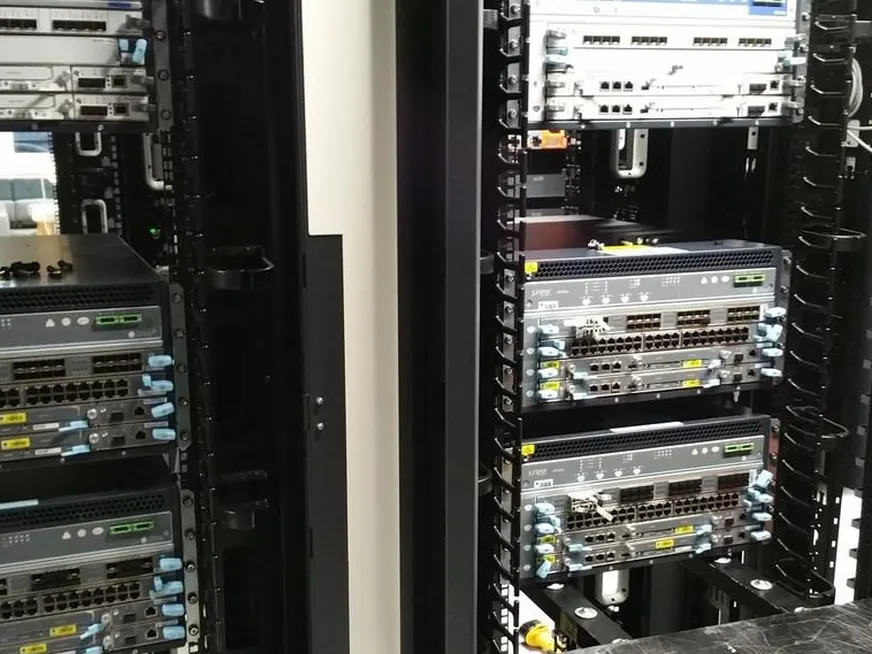
After several months of planning, we moved a networking vendor's demo lab from its office in Surrey to its new office in London's financial district. The day before the move we de-racked the whole lab, taking particular care not to scratch the walls of an office that had just been refurbished.
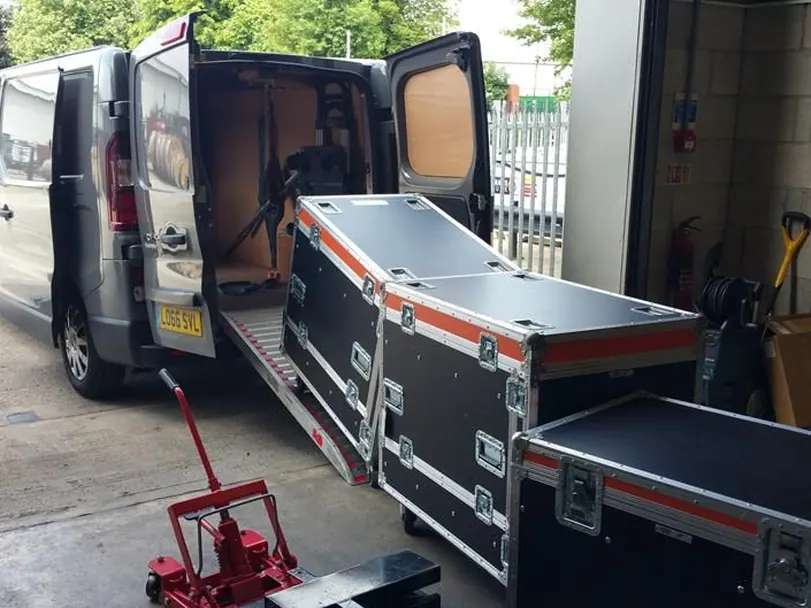
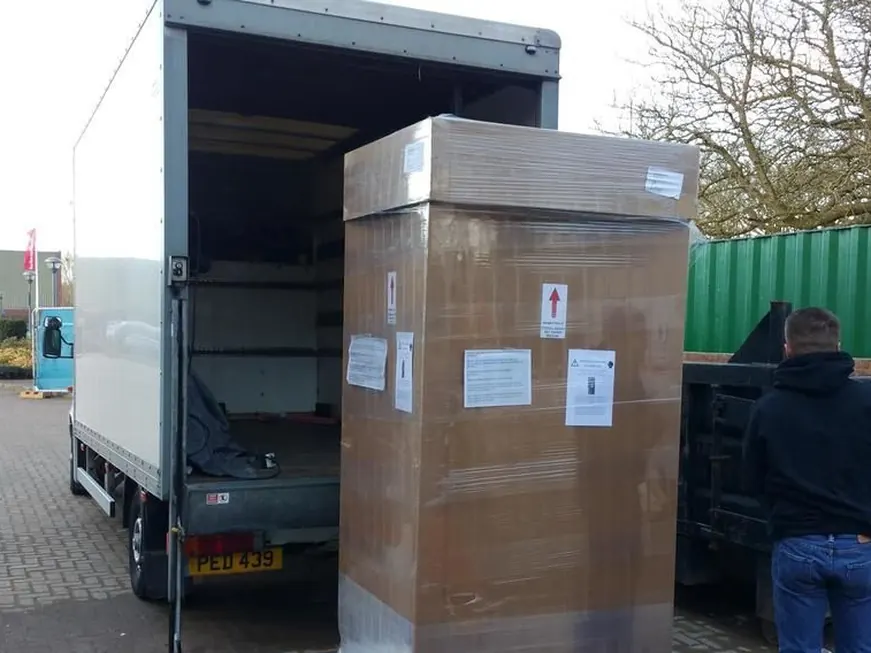
The new address was the hard part. Of the two streets round it, one has no legal parking and the other is a red route. Not for the faint hearted, and only to be attempted on a weekend. So the move ran on a weekend, with van loads of kit lined along the side of the road waiting to go in through the front entrance. The weather was on our side. It was a very long day, but everything went to plan.
How we move a lab, in order
- Survey both ends. For a building we don't know, that's a full site survey or at least a walk-through video and photos with rack elevations.
- Set the date around the new building's access, with one point of contact on our side from the first call to the last rack.
- Your engineers power everything down and finish any data migration or backups before we arrive.
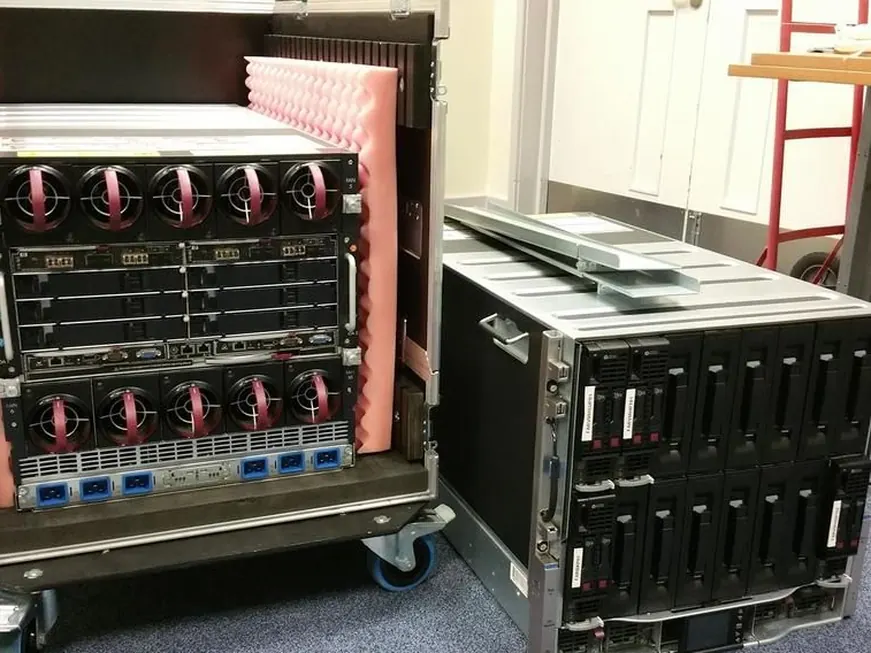
- De-rack the day before. Each device is labelled to the rack elevation plan or build list and packed in our anti-static lined flight cases.
- Load, drive and rack up on the access day, with your engineers there to help get it all racked.
Doing the de-rack a day early left the move day free for loading, the drive and racking up, which was all the red route would allow.
A bigger lab runs over more days. In October 2019 we moved a client's whole proof of concept lab from its London office to one of its London data centre suites over three days. On day one the large routers came out and went into storage at our warehouse. The last day ran to 17 hours, and the project still finished ahead of schedule. If you're at the start of a move like this, our IT relocation checklist sets out what to pin down first.
Kit for the heavy chassis and the small stuff
A lab is a few very heavy chassis and a lot of 1U and 2U boxes, and each needs something different.
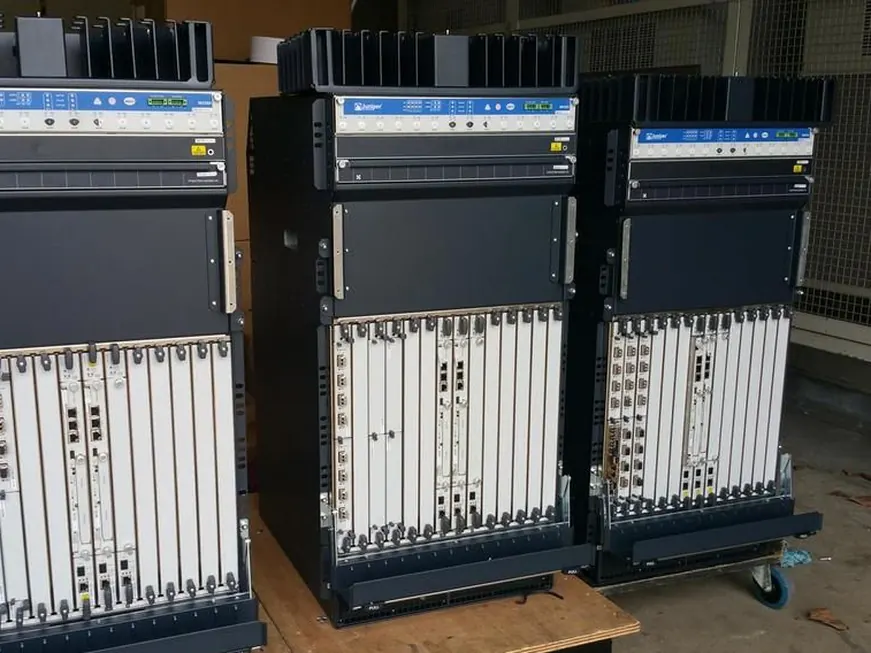
- Heavy chassis come out on our Chassis Lift and Slide System (CLASS). It lifts a chassis to the rack position and slides it over ball bearing beams, so nobody holds the weight. How it works is in our article on the lift and slide system.
- Our split trunk flight cases come apart to just the base, so a chassis up to 24U slides straight in from the server lift. Like a magician's box.
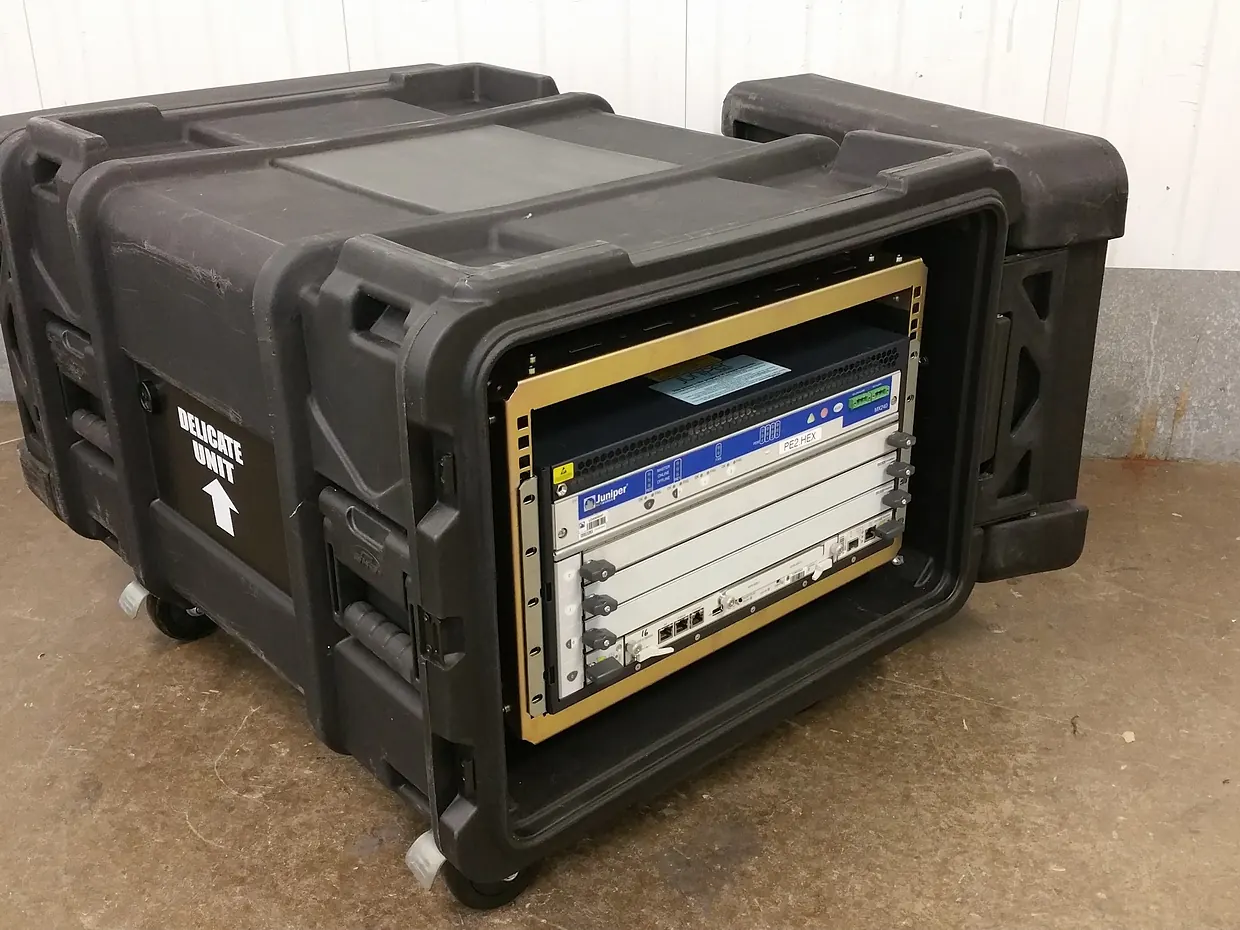
- Smaller switches can stay racked. On the 2016 move two travelled racked up in one of our 24U shock mount flight cases.
- For Juniper T, PTX and MX series routers we stock most OEM pallet bases, anti-static over bags, brackets and screws. Cisco, HP and other makes go in our own flight cases.
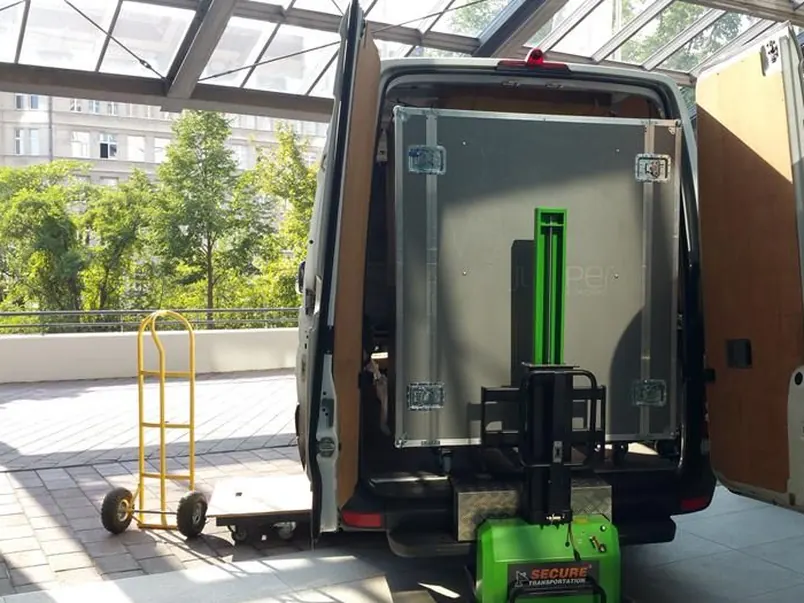
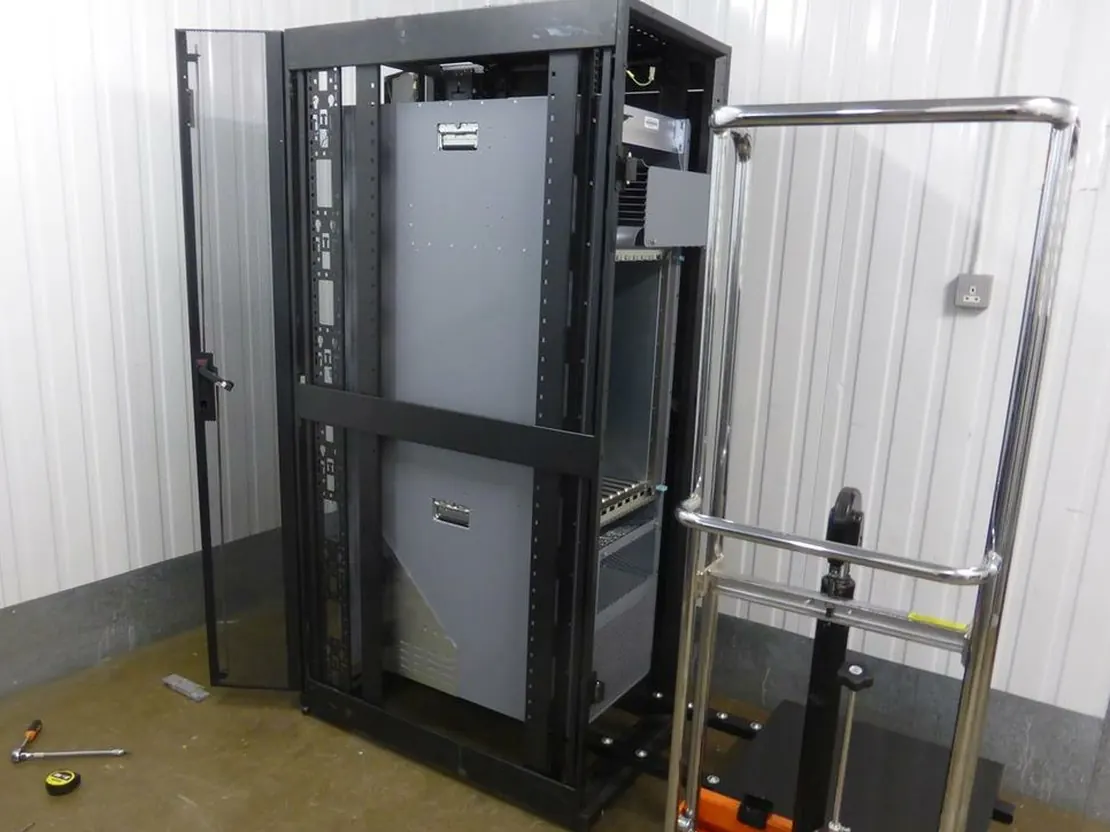
- Empty racks roll out on the PowerMate M-1 stair climber, which doubles as a stable dolly on the flat.
What slows it down
Getting a lab out can be harder than getting it in. On a proof of concept lab move in 2015, racking up at the new office was as easy as one, two, three. The de-rack end was a third floor office with a lift too small for the OEM packing crates or any of our flight cases. There was no parking at the front for security reasons, and two steps down to a car park round the back.
The destination racks can throw a curve ball too. In 2018 two Juniper MX480s were going into old Ericsson 19 inch telephone system racks, and it took some creative thinking to rack them securely. Measure twice, install once.
What to tell us before we come
Send us these and we'll come back with questions and a plan:
- Both addresses, and the floor the lab is on at each
- Your rack list or build list, with rack elevations
- Lift sizes and door widths at both ends
- Parking, loading bays and red routes outside each building
- When each building will let you move kit in or out
- Whether your engineers will be on site to rack up
- Anything that needs storing between days
The wider move, from the comms room to the desks, is on our IT relocation services page. Or call +44(0) 1932 247 365 and tell us what's in the lab.
Questions we get asked about moving a lab
Who racks it up, you or our engineers?
Either. Some clients have their own network engineers and only need the transport and the rack and stack. Others want a full cable trace and audit, with a patching schedule. For installs we usually need just one of your engineers to help.
How is the kit insured while it's off the racks?
We arrange equipment cover per job, to its value, for the time it's being moved and installed. It doesn't cover the risks that come with moving delicate kit in the first place, such as a disk failing after a move. For security, our cases can be fitted with Shock Watch labels, sealed from point to point and tracked with portable GPS devices.
What if the new room isn't ready?
We store it. Lab kit can wait in our Fleet warehouse, and our caged pre-staging area has 2 x 42U racks for powering it up. Clients come down to fire up their kit on the bench or in one of our racks. That's on our IT pre-staging page.