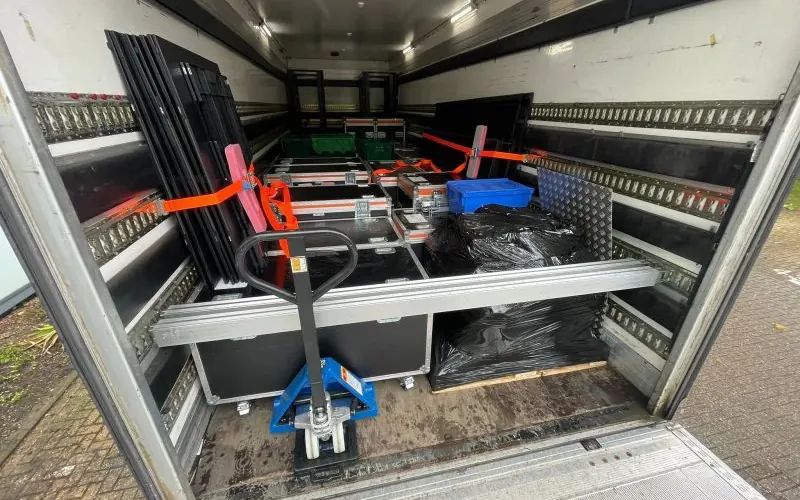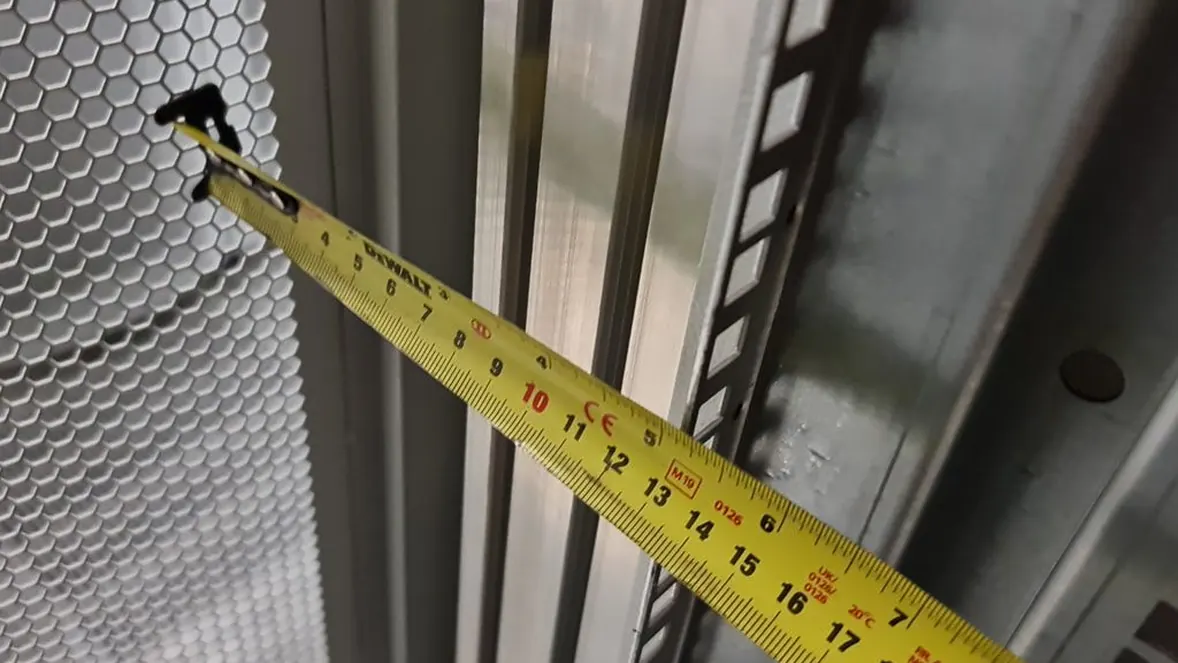
A tape measure on a rack rail during a site survey.

IT relocation checklist

By Andy Pedley, Director. Updated October 12, 2026.

This IT relocation checklist covers the physical move of servers and IT equipment, from the first audit to sign-off at the new site. For a server room or data centre, start eight to twelve weeks ahead. A smaller move can go faster. Work through it below, or download the PDF.

When
Where
A tape measure on a rack rail during a site survey.

The checklist, week by week

This is the physical move only. It doesn't cover application migration, data replication or network design. Your technical team looks after those, alongside this list.

8 to 12 weeks before: plan and scope

  • Name a business owner and a technical lead.
  • Agree why you're moving, what's in scope and the target date.
  • Choose how you'll move: all at once, in phases, or with spare kit to cover the gap.
  • Agree the downtime window with the business.
  • Survey both sites, and the route from the rack to the vehicle at each end.
  • Appoint your mover.
  • Check the cover for the equipment in transit.
  • Start a list of risks and dependencies.

4 to 8 weeks before: audit and design

  • List every asset with make, model and serial number.
  • Record the rack elevations. Photograph the front and rear of every rack.
  • Map the cabling and ports.
  • Design the layout at the new end and get it agreed.
  • Check power, cooling and floor loading there.
  • Order the network and cross-connects.
  • Agree the shutdown and start-up order.
  • Separate out anything that's being disposed of.

1 to 4 weeks before: prepare

  • Issue the RAMS and get them approved. Our Server Move RAMS Template is a start.
  • Send the building management packs for both sites.
  • Confirm the loading bay and lift bookings.
  • Arrange access lists and passes.
  • Agree how devices, cables and rails will be labelled.
  • Confirm packing, cases and anti-static protection.
  • Take full backups, and test a restore.
  • Line up your support and vendor contacts for the window.
  • Agree a rollback plan.
  • Hold a final go or no-go meeting.

Shutdown and de-rack

  • Change freeze in place and the final backup checked.
  • Shut down in the agreed order, by authorised staff.
  • Label each device with where it came from and where it's going.
  • Label cables at both ends before you pull them.
  • Bag rails, brackets and screws, and label them with their device.
  • Check serial numbers against the list as each device comes out.
  • Pack with anti-static and impact protection.

Transport

  • Check the load against the asset list before the doors close.
  • Secure the load against movement.
  • Lock the vehicle, and record the seal reference if you use one.
  • Share driver and crew details with the destination.
  • Confirm the arrival time.

Re-rack and reconnect

  • Check the count and serials on arrival.
  • Look at the packaging for damage before you open it.
  • Install to the agreed layout, heaviest kit lowest.
  • Connect power to the planned feeds.
  • Patch to the port map and tidy the cabling.
  • Power up in the agreed order, by authorised staff.

Test and hand over

  • Check the hardware health on every device.
  • Check network connectivity.
  • Have service owners test their services.
  • Check monitoring and alerts.
  • Reconcile the asset list and log exceptions.
  • Clear the packaging and waste.
  • Send redundant kit for certified disposal, if it's in scope.
  • Get sign-off, and note what you'd do differently.

Download the Server Migration Checklist. A seven-phase list for the physical move of servers, from the first audit to sign-off at the new site, with common mistakes and a one-page move-day summary. Free PDF, no form.

Have us run it.

Send us your rack list and your dates, and we'll look after the move from survey to sign-off.

Common mistakes

  • No accurate asset list before the move. You find out what's missing when it doesn't turn up.
  • Cables pulled without labels.
  • Rails and screws packed away from their device.
  • Backups taken but never test-restored.
  • Power or cooling at the new end not checked.
  • No agreed start-up order, and no rollback plan.
  • A move window too tight to leave time for testing.

Most server move problems are planning problems. They're much easier to fix eight weeks ahead than at two in the morning.

Examples

IT relocation checklist questions

The audit and asset list, the downtime window, RAMS and building approvals, backups, labelling, shutdown order, the transport, the re-rack and testing, and sign-off. The weekly list above has all of them.

For an office move, the list adds desks, monitors, docking stations, phones, printers and the comms cupboard. Each desk is disconnected, labelled and packed, then rebuilt to a plan. See our office IT relocation page and the office relocation checklist.

The same: the desk list, a move matrix of every person and device to their new desk, the comms room, the internet and phone lines at the new office, and support on the first morning.

It's the same idea at a bigger scale: more racks, stricter access and usually more than one team. The checklist is the same, with more phases. See data centre relocation.

For a server room or data centre, eight to twelve weeks. Smaller moves need less. The longest lead times are usually access, approvals and the network at the new site.

We cover the physical move: audit, de-rack, packing, transport, re-rack and handover. Your engineers look after data, applications, shutdown and start-up, and testing. We stay while they do it, if you want us to.

Get a quote for your IT move

Tell us what's moving, where to and when, and we'll come back with questions or a quote.

We reply to every enquiry. Your details are used only to answer it. Privacy notice

Thank you, your enquiry has been sent

We have your details. Someone from the team will read it and come back to you by phone or email.

We reply to every enquiry. Your details are used only to answer it. Privacy notice

Thank you, your enquiry has been sent

We have your details. Someone from the team will read it and come back to you by phone or email.

CallGet a quote